
Can Someone See My Internet History If I Use Their Wi‑Fi?
Learn what someone may be able to see when you use their Wi‑Fi, including router logs, browser history, HTTPS limits, and VPN privacy.
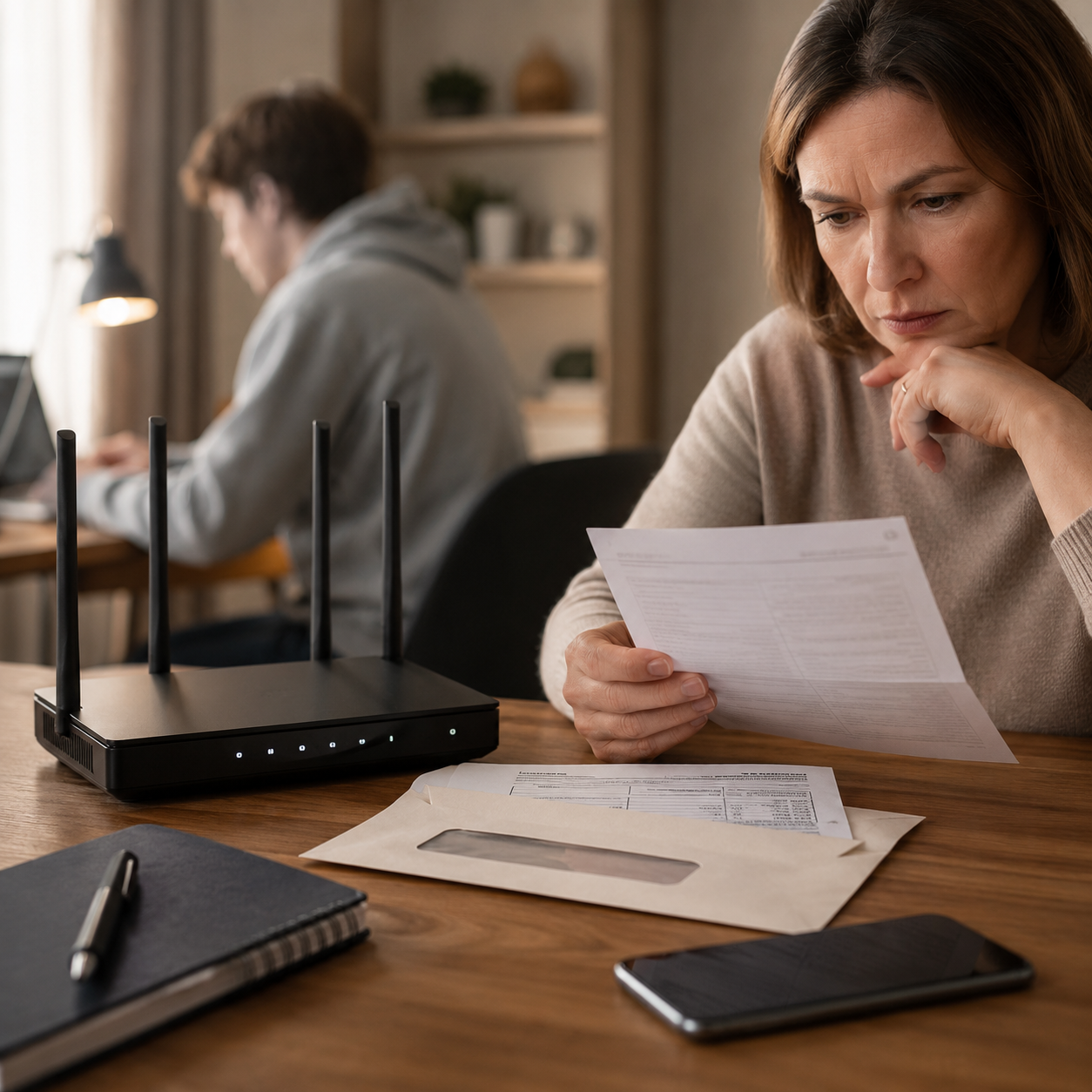
Can Someone See My Internet History If I Use Their Wi‑Fi?
If you use someone else’s Wi‑Fi, they usually cannot open your device and see your browser history unless they have access to the device. But they may see some network-level information through the router or monitoring tools.
The answer depends on the network, router settings, encryption, and whether the device is managed.
Quick Answer
A Wi‑Fi owner may see:
- devices connected to the network
- connection times
- data usage
- some website domains
- blocked-site attempts
They usually cannot see your full browser history, passwords, private messages, or exact page content on encrypted HTTPS websites.
Browser History vs Wi‑Fi Logs
Your browser history is stored on your device. A Wi‑Fi owner cannot normally see that unless they use your device.
Wi‑Fi logs are different. A router or monitoring tool may record network traffic, connected devices, and sometimes domains visited.
For a related guide, read can a Wi‑Fi owner see sites visited in Incognito?.
Does Incognito Help on Someone Else’s Wi‑Fi?
Incognito stops local browser history from being saved after the session closes. It does not hide all network activity from the Wi‑Fi itself.
Read what Incognito Mode really does.
Does HTTPS Help?
Yes. HTTPS encrypts much of the page content, passwords, and form data. A Wi‑Fi owner may still see the domain, but not usually the full page details.
Does a VPN Help?
A VPN can reduce what the Wi‑Fi owner sees by encrypting traffic to a VPN server. However, it does not stop websites or apps from saving account activity.
See Incognito vs VPN.
How to Protect Privacy on Shared Wi‑Fi
To reduce exposure:
- Use HTTPS websites.
- Avoid entering sensitive information on unknown networks.
- Use private browsing for local privacy.
- Clear browser history after use.
- Log out of accounts.
- Consider a trusted VPN on public or shared Wi‑Fi.
Final Thoughts
Someone may not see your full internet history just because you use their Wi‑Fi, but they may see some network-level information. Browser history, router logs, and account activity are separate privacy layers.
Keep reading
Related posts

How to Clear Search Recommendations
Learn how to clear search recommendations in browsers, Google, YouTube, Instagram, Facebook, TikTok, and other apps by managing history, cookies, and account activity.

How to Hide Your Tracks Online: Safe Privacy Steps That Actually Help
Learn safe, practical ways to reduce your digital tracks online by clearing history, managing account activity, limiting tracking, and protecting your privacy responsibly.

Incognito vs Safe Browsing: What’s the Difference?
Learn the difference between Incognito Mode and Safe Browsing, what each feature protects, and why private browsing is not the same as security protection.