
Can a Wi‑Fi Owner See What Sites You Visit on Your Phone?
Learn whether a Wi‑Fi owner can see websites visited on your phone, what router logs may show, and how HTTPS, private browsing, and VPNs affect privacy.

Can a Wi‑Fi Owner See What Sites You Visit on Your Phone?
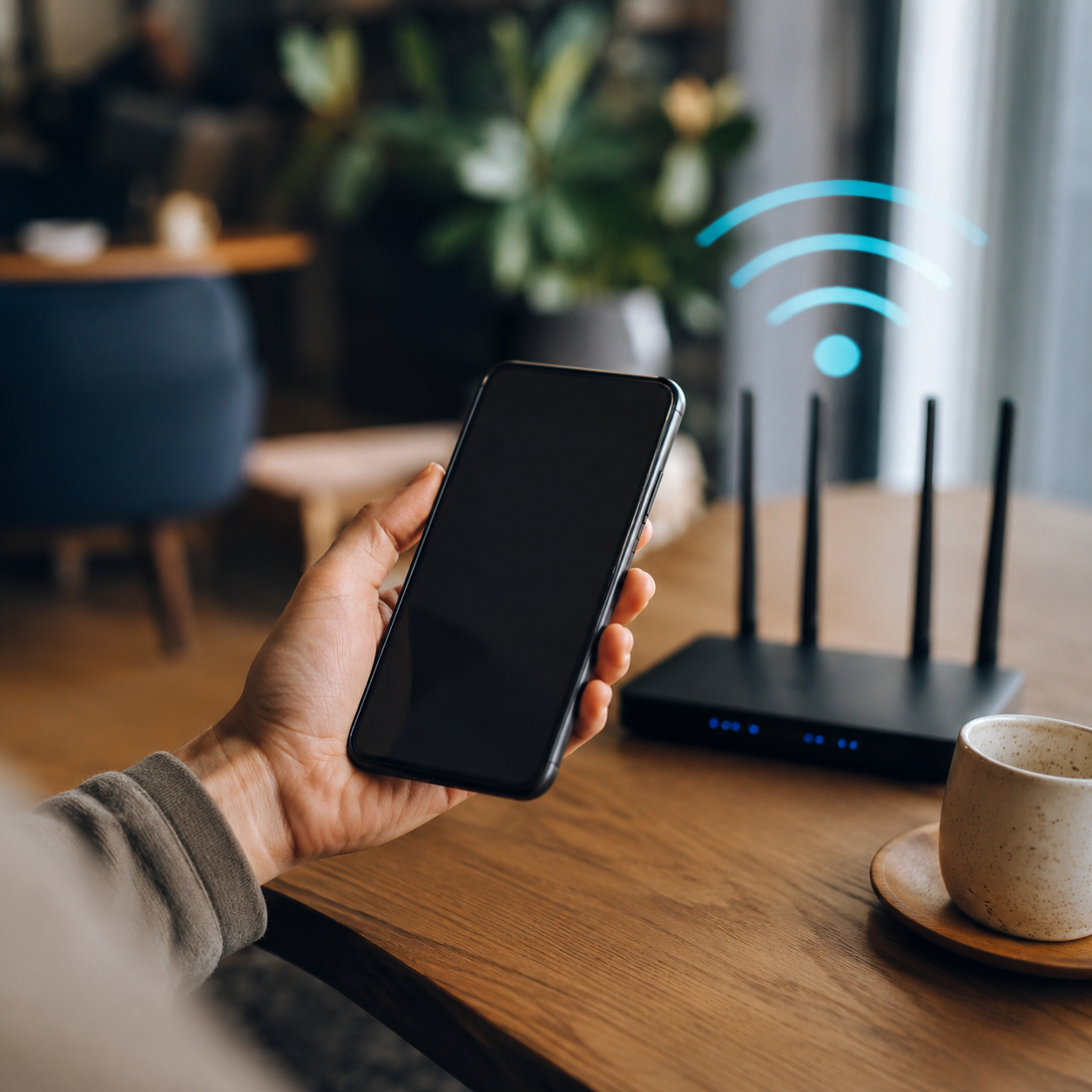
A Wi‑Fi owner usually cannot see your phone’s browser history directly. But if they manage the Wi‑Fi router or use monitoring tools, they may see some network-level information about sites or services your phone connects to.
This is true whether you browse on iPhone, Android, Safari, Chrome, or another browser.
Quick Answer
A Wi‑Fi owner may see:
- your phone connected to the network
- data usage
- connection times
- some domains contacted
- blocked-site attempts on filtered networks
They usually cannot see exact browser history, full page content, passwords, or private messages on encrypted websites.
Browser History Is Stored on Your Phone
Your browser history lives inside Safari, Chrome, Firefox, Samsung Internet, or another browser app.
A Wi‑Fi owner cannot normally open that browser history unless they have access to the phone itself.
For phone cleanup guides, see how to clear Chrome on Android and how to clear Safari history.
Router Logs Are Different
Router logs may show devices and network activity. Some routers store limited logs, while others show more detail through parental controls or monitoring services.
This can include domains or categories, but not always exact pages.
Does Incognito Hide Phone Activity From Wi‑Fi?
Incognito or private browsing hides local browser history after closing the session. It does not fully hide network traffic from Wi‑Fi systems.
See does Incognito show up on a Wi‑Fi bill?.
Does Mobile Data Change This?
If your phone uses mobile data instead of Wi‑Fi, the Wi‑Fi owner cannot see that traffic through their router. But mobile data may still create browser history and account activity on the phone.
Read does search history show up on your phone bill?.
How to Improve Privacy on Your Phone
- Clear browser history.
- Delete Google account activity.
- Use HTTPS websites.
- Use private browsing for local privacy.
- Log out of shared accounts.
- Use a trusted VPN on shared networks if needed.
Final Thoughts
A Wi‑Fi owner usually cannot see the full browser history stored on your phone, but they may see some network activity through the router. Use browser cleanup, account privacy controls, and secure networks to reduce exposure.
Keep reading
Related posts
Does Search History Show Up on Your Phone Bill?
Learn whether search history appears on a phone bill, what mobile data bills usually show, and what account-level activity may still be stored elsewhere.

Can Your Phone Company See Your Internet History?
Learn what mobile carriers may be able to see about internet activity, what phone bills usually show, and how HTTPS, private browsing, and VPNs affect privacy.

Does Private Browsing Hide Search History From Parents?
Learn what private browsing hides from parents, what it does not hide, and how browser history, Screen Time, router logs, and account activity differ.