
How to Delete My Old Facebook Account
Learn how to delete an old Facebook account, recover access, remove hacked profiles, and permanently protect your online privacy.
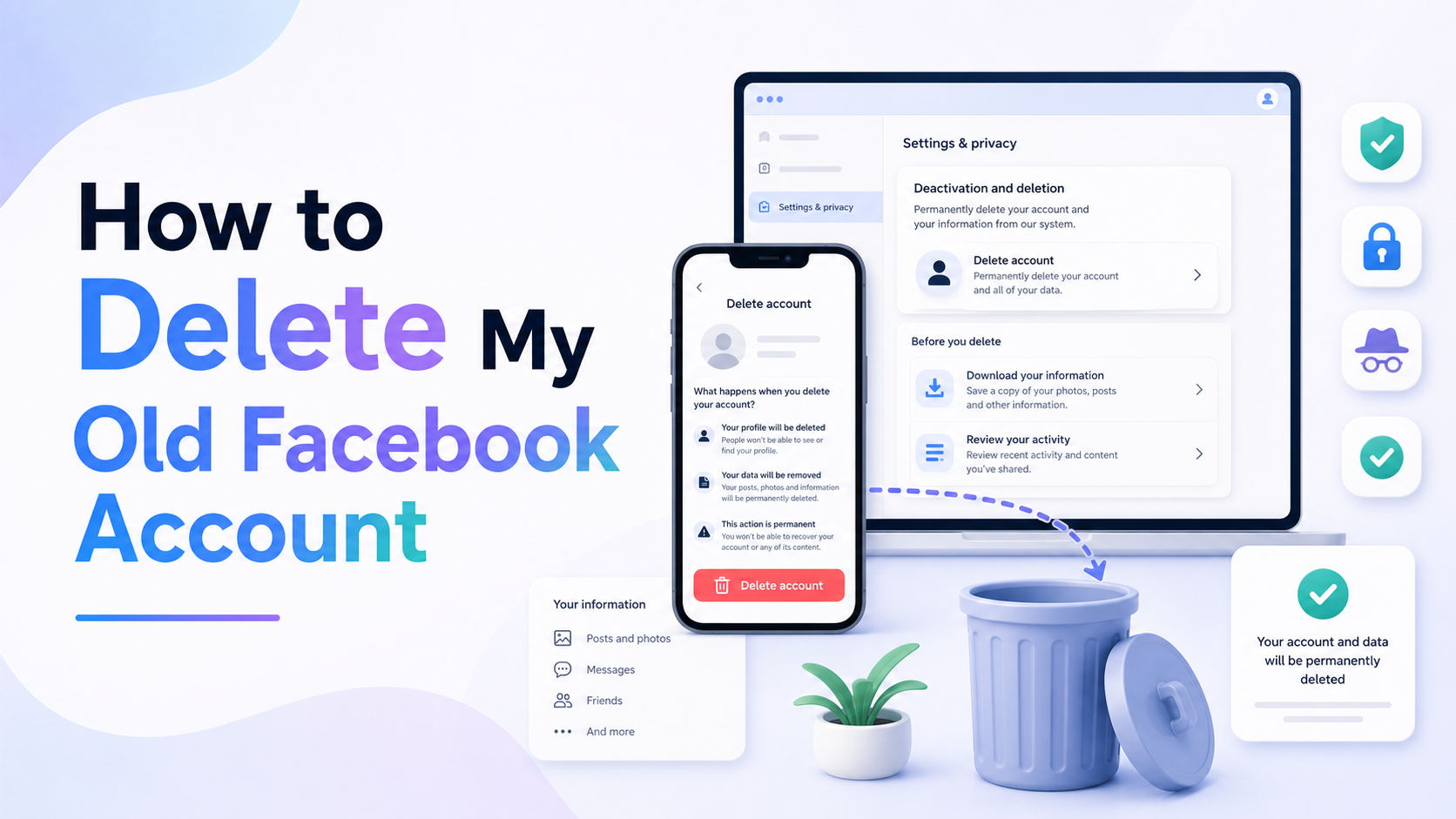
How to Delete My Old Facebook Account
Old Facebook accounts can become a privacy risk, especially if they still contain personal photos, messages, or outdated information. Whether you forgot your password, lost access to your old email address, or simply want to clean up your online presence, deleting an old Facebook account is usually possible.
In this guide, we’ll explain how to delete an old Facebook account step-by-step — including what to do if you can’t log in anymore.
Quick answer
If you can sign in, go to Accounts Center → Personal details → Account ownership and control → Deactivation or deletion. If you cannot sign in, recover the account first. If recovery fails, open the old profile and use Find support or report profile.
Choose another guide: Social Media Privacy · Privacy Guides · Mobile Privacy
Why You Should Delete Old Facebook Accounts
Many people create multiple Facebook accounts over the years and forget about them. Leaving an unused account online can create several problems:
- Old personal information remains visible
- Friends may message the wrong account
- Your account could become vulnerable to hacking
- Duplicate profiles can confuse employers or clients
- Old photos and posts may still appear in search engines
Deleting unused accounts helps protect your privacy and keeps your online identity clean.
Option 1: Delete an Old Facebook Account You Can Still Access
Before deleting it, clear any visible searches with our guide to deleting Facebook search history.
If you can still log in to the old Facebook account, the process is straightforward.
Step 1: Log Into Facebook
Go to Facebook and sign in using the old account credentials.
Step 2: Open Facebook Settings
Click your profile picture in the top-right corner and select:
Settings & Privacy → Settings
Step 3: Go to Accounts Center
Inside settings, open:
Accounts Center → Personal Details → Account Ownership and Control
Step 4: Choose Deactivation or Deletion
Select:
Deactivation and Deletion
Then choose:
- Delete Account
- Continue to Account Deletion
Facebook may ask you to confirm your password.
Step 5: Confirm Deletion
Follow the prompts to permanently delete the account.
Facebook normally gives you a grace period before permanent deletion occurs.
Option 2: Delete an Old Facebook Account Without Password Access
If the account may have been compromised, use the wider account-protection advice in our Privacy Guides hub.
If you forgot your password or no longer have access to the email or phone number linked to the account, try recovering the account first.
Recover the Account
Visit Facebook’s account recovery page and search using:
- Your old email address
- Phone number
- Full name
- Username
If Facebook finds the account, follow the recovery instructions.
Option 3: Report the Old Facebook Account
If recovery fails, you can ask Facebook to remove the account by reporting it.
Steps to Report an Old Account
- Open the old Facebook profile
- Click the three dots on the profile page
- Select:
Find Support or Report Profile
- Choose the reason:
- Pretending to Be Someone
- Fake Account
- Other appropriate reason
Facebook may review and remove the account.
How to Delete a Facebook Account of a Deceased Person
Facebook also allows family members to request removal of deceased users’ accounts.
You’ll usually need:
- Proof of death
- Proof of relationship or authority
Facebook offers both:
- Memorialized accounts
- Permanent account deletion
What Happens When You Delete a Facebook Account?
Deleting the account is different from clearing activity. See why clearing history does not clear everything for the distinction.
Once deleted:
- Your profile disappears
- Photos and posts are removed
- Messenger access is lost
- Facebook login for other apps stops working
However, some messages sent to friends may still remain visible in their inboxes.
Can You Reactivate a Deleted Facebook Account?
Usually yes — but only during Facebook’s deletion grace period.
To reactivate:
- Log back into Facebook
- Cancel the deletion request
After the grace period ends, the deletion becomes permanent.
Tips Before Deleting Your Facebook Account
If you are cleaning up other profiles too, visit the Social Media Privacy hub.
Before deleting your old account:
- Download your Facebook data
- Save important photos and videos
- Remove Facebook login access from apps
- Notify close friends if needed
Frequently Asked Questions
Can I delete a Facebook account without logging in?
Yes, but you may need to recover the account first or report it to Facebook.
How long does Facebook take to delete an account?
Facebook typically starts the deletion process immediately but may take several weeks to fully remove all data.
Can I remove an old Facebook account that was hacked?
Yes. First attempt account recovery, then secure the account and request deletion.
What if I forgot both the email and password?
Try searching your account using your full name or old phone number on Facebook’s recovery page.
Keep improving your privacy
- Delete Facebook search history
- Delete Instagram search history
- Remove personal information from the internet
- Stop search history showing on other devices
Browse all browser guides, mobile privacy guides, and social-media privacy guides.
Final Thoughts
Deleting an old Facebook account is an important step for improving online privacy and reducing digital clutter. Whether you still have access to the account or not, Facebook provides several ways to recover, report, or permanently remove old profiles.
Taking a few minutes to remove unused social media accounts can help protect your identity and personal information online.
Keep reading
Related posts

How to Clear Search Recommendations
Learn how to clear search recommendations in browsers, Google, YouTube, Instagram, Facebook, TikTok, and other apps by managing history, cookies, and account activity.

How to Check Incognito History on Any Device
Learn whether Incognito history can be checked on phones, tablets, computers, routers, Google accounts, and managed school or work devices.

How to Erase Incognito History Permanently
Learn how to permanently erase Incognito-related traces by closing private tabs, deleting account activity, removing downloads, and clearing browser data.